

Printer not printing at all
The job sits in the queue and nothing comes out. Usually a stalled print job, a conflicted driver, a locked spooler, or a cable or WiFi drop. We clear the queue, reset the spooler and reinstall a clean driver.
Paarl & the Winelands
Printer not printing? Printing blank pages, solid black, streaking or colour banding? Constantly jamming, or won't connect to your computer? We fix HP, Canon, Brother, Epson, Samsung and LG inkjet and laser printers, and set printers up on home WiFi so every device can print cable-free. Written quote before any work starts.
Most printer faults people search for, and what they usually turn out to be.
We check the cheap causes first — software and settings — because those fix most faults and cost you nothing.
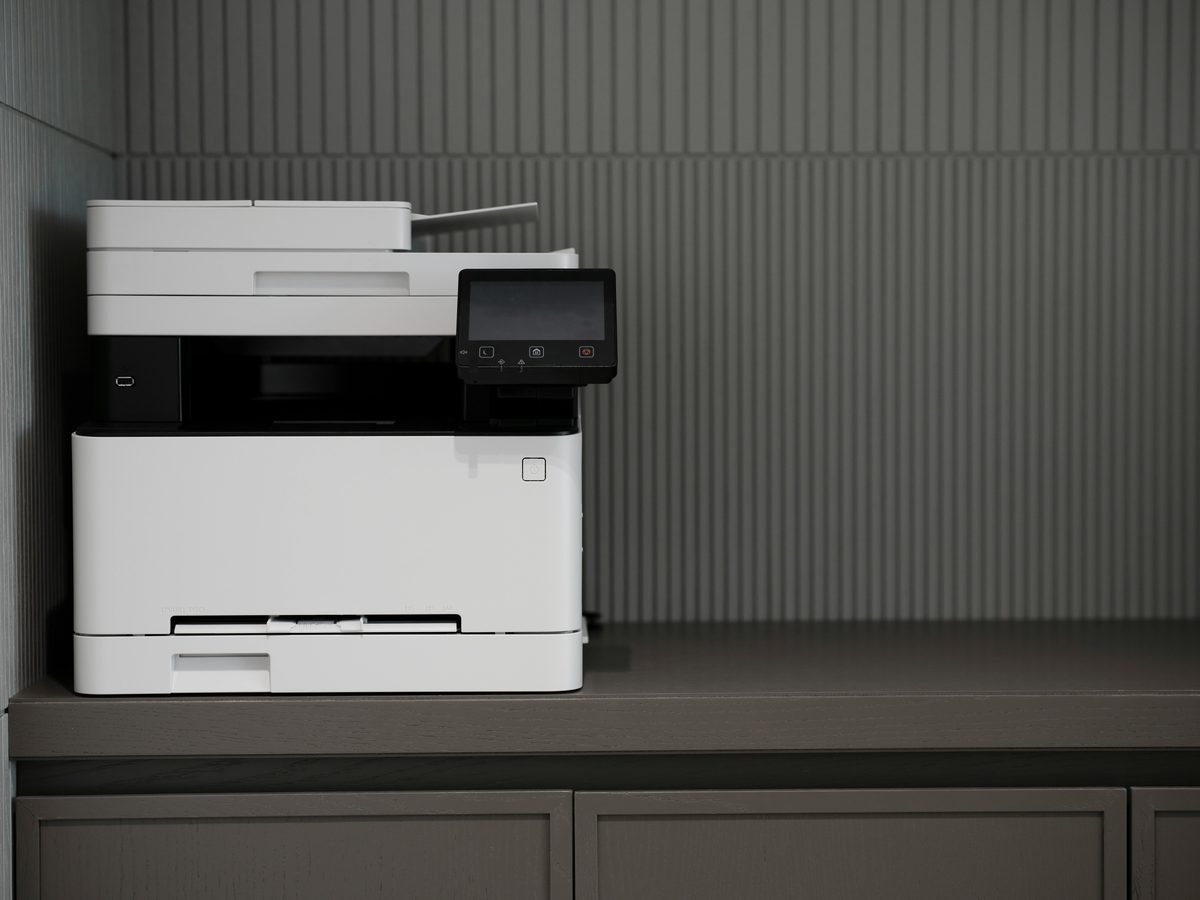
The job sits in the queue and nothing comes out. Usually a stalled print job, a conflicted driver, a locked spooler, or a cable or WiFi drop. We clear the queue, reset the spooler and reinstall a clean driver.
Pages print but come out empty, or come out entirely black. Empty means a blocked or dried print head; black means cartridges not seated or ink leaked into the carriage. Both are repairable.
Streaks, banding lines, faded colour, missing patches or text bleeding. Caused by blocked nozzles or a dirty print path. We deep clean the head, carriage and rollers to restore quality.
Repeated jams or feeding of several sheets at once. Worn pickup rollers, a stripped feed gear or a bent paper guide. We clear it, replace the worn parts and realign so it stays fixed.
Putting the printer on your home WiFi and installing the driver on every device that needs to print — laptops, phones and tablets. Home and home-office networking only.
Error codes, missing or conflicting drivers, spooler problems and software that thinks the printer is offline. We clear all of it and install the correct driver for your printer and operating system.
Inkjet and laser, desktop and multifunction units that print, scan and copy.






Not listed? We service most other makes as well — send us the model number and we'll tell you straight away whether it's worth repairing.
You get a written price before anything is booked in.
Tell us the model and what it's doing — not printing, printing black, jamming. A photo of the error message helps a lot.
We check the cheap causes first and quote in plain language. Nothing is booked in, and no work starts, until you say yes.
If it's cheaper to replace than repair, we'll say so. We won't book in work that isn't worth doing for you.
We test it properly before it goes back to you — print a full colour page and a black page, and check alignment and feeds.
Rotating 5-star reviews from our Google Business Profile — 5.0 from 41 reviews, with the reviewer's real name and a link back to the original on Google.
Cobus is very attentive and cost aware. His attentive detail is amazing. He has really gone the extra mile and I can recommend him 110% for great service at a reasonable price.
★ 5.0 from 41 Google reviews — read them all on Google
Real work out of the Paarl workshop. New photos are added as jobs are completed.
Tell us the model and what it's doing. We'll come back with a price before booking anything in.
The things people ask before bringing a printer into Paarl.
The most common causes are a stalled print job stuck in the queue, a conflicted or missing driver, a print head that has dried or blocked, low or failed ink or toner, and a cable or WiFi connection drop. We check all five in order, starting with the software side, because that is the cheapest and fixes most cases.
Blank pages with a full ink or toner warning usually means the print head or laser drum is blocked or worn, not that the cartridges are empty. Inkjet print heads dry out when a machine sits unused; laser units need a drum replacement when the drum has worn down. Both are repairable rather than a reason to replace the printer.
A solid black page usually means the ink cartridges are not seated correctly or one has leaked into the carriage. Streaking and banding lines are almost always blocked nozzles or a dirty print path. We clean the head and carriage, reseat or replace the cartridges, and if the head itself has failed we tell you whether replacement is worth it.
Yes. Repeated jams are usually worn pickup rollers, a damaged gear in the feed path, or a misaligned paper guide. We clear the obstruction, replace the worn rollers and gears, and realign the guides so the problem does not come straight back.
We service HP, Canon, Brother, Epson, Samsung and LG, covering both inkjet and laser models as well as multifunction units that print, scan and copy.
Yes. We put the printer on your home WiFi network and install the correct driver on each device that needs to print, so you can print from a laptop, phone or tablet without cables. This is home and home-office networking only.
It depends on the fault and whether parts are needed, so we quote per job rather than publish a price list. You get a written quote before any work is booked in. Call 081 015 0573 or WhatsApp us with the printer model and the fault.
Often, yes. Replacing cartridges or a print head on a mid-range printer is usually far cheaper than a new machine. We will tell you honestly if the printer is beyond economical repair or if a new one would cost less, and we will not book in work that is not worth doing.